AI agent security: an agent is a new identity, and it needs governing

Aitor García · 7 min read
Also in Spanish
Why an AI agent needs its own identity and how to protect it with Microsoft Entra Agent ID, Conditional Access, ID Protection, Agent 365, Defender and Purview.
Leadership summaryIf this is all you read.
The risk. Agents read mail, call APIs and act with no human watching. Running on borrowed app registrations or service accounts, nobody knows how many there are, what they can touch or who answers for them.
The impact. An over-privileged agent, or one manipulated through prompt injection, acts at machine speed on company data. Without its own identity it can't be cleanly blocked, audited or retired.
The decision. Treat every agent as an identity: inventory in Agent 365, an identity in Entra Agent ID, a human sponsor, least privilege, risk-based Conditional Access, and monitoring with Defender and Purview.
Licensing. Entra Agent ID: all Entra customers. Security controls for agents: Microsoft Agent 365 (included in Microsoft 365 E7)
For the people rolling it out ↓
On this page
I’ve spent fifteen years deploying Microsoft security, and every new technology follows the same pattern. Adoption comes first. Then something goes wrong and someone asks who granted those permissions.
With AI agents, that moment is arriving now.
An agent reads an executive’s mail, summarizes a contract in SharePoint, opens a ticket or calls a billing API. It does this at any hour, many times a minute and often without anyone reviewing each step. Most organizations are letting it run on identities that were built for something else.
Why agents change the security model
Microsoft defines an agent as an application that tries to reach a goal by understanding its context, making decisions and acting autonomously with the tools it has. It can work with or without human intervention.
Until now we had two main identity families:
- People, with passwords, MFA, passkeys, a mailbox and a manager.
- Applications, represented as service principals, designed for stable services with a known owner and a long lifecycle.
An agent fits neither. It isn’t a person, but sometimes it has to behave like one. It’s software, but it gets created in Copilot Studio in a few clicks or spun up by an automated flow, and Microsoft’s documentation describes agents that live for minutes or are created and destroyed thousands of times a day.
Managing that with service principals creates, in Microsoft’s words, operational complexity and security challenges: orphaned credentials, permissions nobody removes, and activity you can’t tell apart from any other app.
The risks
There’s no need to invent scenarios. Microsoft and OWASP have already documented them.
Prompt injection. The OWASP Top 10 for LLM Applications ranks it first. The indirect variant is the one that worries me most in an agent: instructions hidden in a web page, a file or an email that the agent processes as part of its job. Defender’s documentation describes zero-click attacks with hidden instructions in emails or retrieved content that manipulate agent behavior and cause data leakage.
Excessive permissions. OWASP calls it Excessive Agency and traces it to three causes: functions the agent doesn’t need, permissions beyond what it requires, and autonomy to run high-impact actions without approval. Microsoft lists it as agent misconfiguration and over-privilege on the same Defender page.
Shadow and ownerless agents. The Agent 365 registry has two counters that say it all: agents without owners and unmanaged agents. A shared agent loses its owner when the user who created it is deleted. And the service description includes syncing shadow AI agents running on endpoints.
In December 2025 OWASP published a Top 10 specifically for agentic applications. If your architecture team hasn’t read it, start there.
The agent as an identity
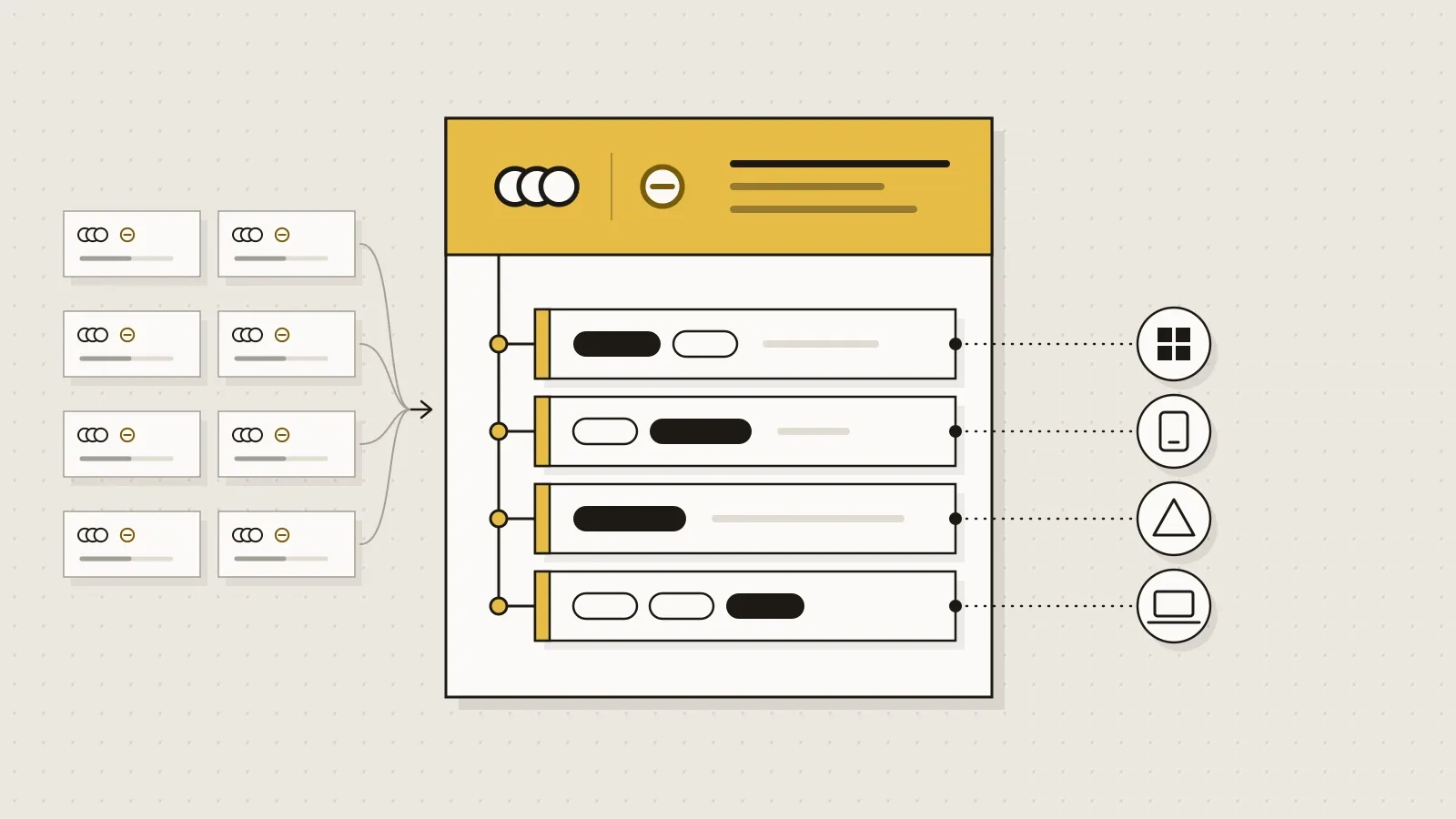
Microsoft’s answer is Microsoft Entra Agent ID: an identity type built for agents, with four new directory objects.
- Agent identity blueprint. The template. It defines description, roles, verified publisher and credentials. It can do exactly one thing in the tenant: create or delete agent identities. Disable a blueprint and none of its identities can authenticate.
- Blueprint principal. Represents that blueprint in a specific tenant and leaves a trail in the audit logs.
- Agent identity. The account the agent uses to request tokens and access resources.
- Agent user. An optional user account, one-to-one with the identity, for when the agent needs a mailbox, chat or a seat in Teams like any colleague.
The part that matters most to an architect is the three access patterns:
| If the agent | Pattern | Policy applies to |
|---|---|---|
| Acts for a signed-in user | On-behalf-of (OBO, delegated) | The user |
| Acts with its own identity, no user | App-only | The identity or the blueprint |
| Acts through its own user account | Agent user | The agent user |
One agent can use several patterns, and each needs its own policy. A policy targeting the agent identity doesn’t cover its user account, and a policy targeting “Users” doesn’t apply to agent users.
Microsoft’s control layers
Identity
Entra Agent ID works with Microsoft and third-party agents. Copilot Studio, Microsoft Foundry, App Service and Azure Functions already create agent identities, and the documentation covers integrating agents from AWS Bedrock or n8n through the auth SDK or workload identity federation. Every authentication is logged as performed by an agent.
Access
Conditional Access for agents evaluates context, risk and resource before issuing the token. Target a blueprint and the policy covers every identity created from it, including future ones. With custom security attributes, a policy such as “only agents approved for finance” applies itself to each new agent carrying that label.
One limit to know before promising anything: if an agent reaches a resource with an API key, it bypasses Entra ID and Conditional Access doesn’t apply. Nor does it with security defaults turned on.
Risk
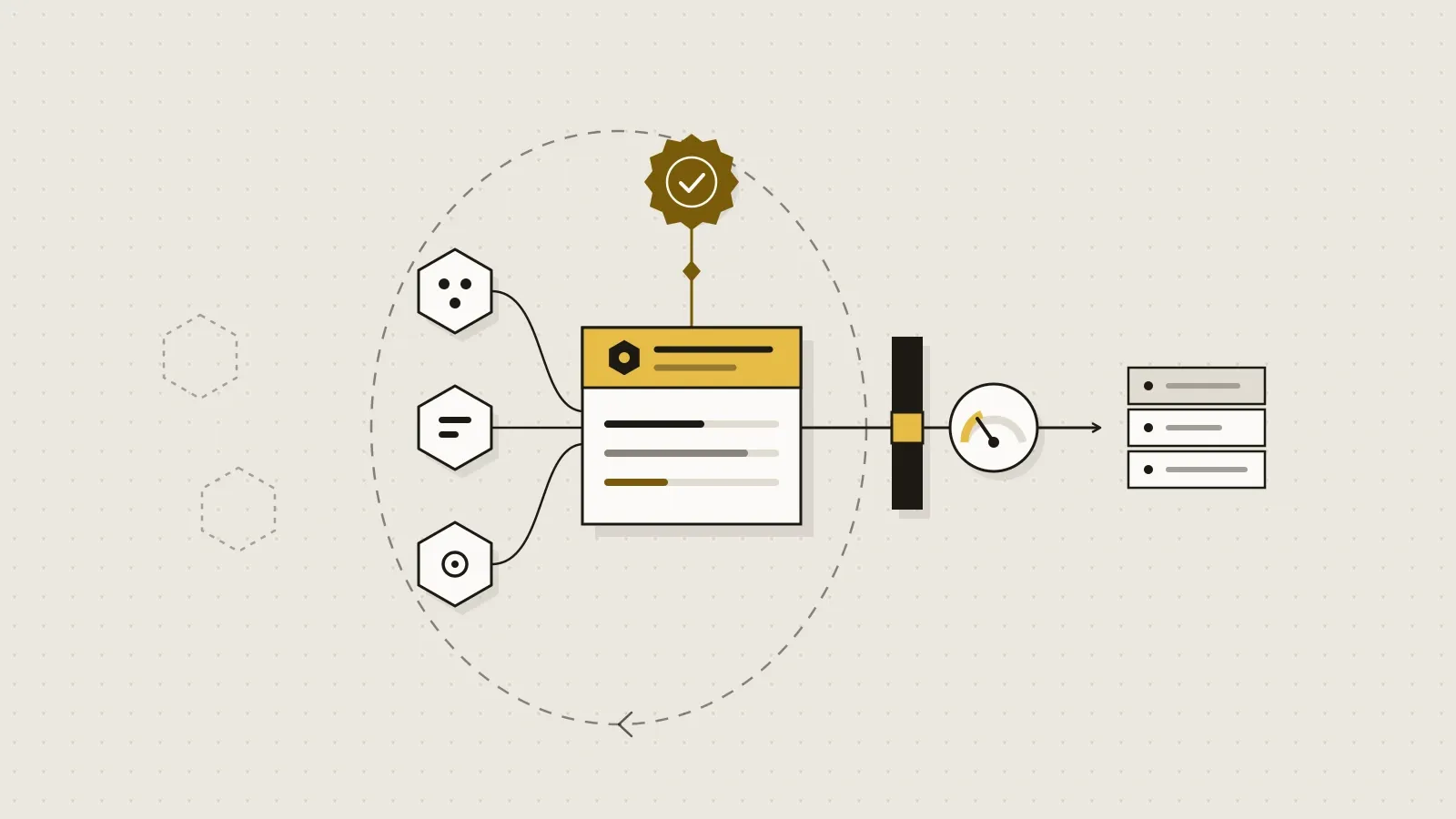
ID Protection for agents detects anomalous behavior: directory reconnaissance, sign-in spikes, access to resources the agent doesn’t usually touch, failed access attempts, suspicious use of new credentials on a blueprint, or malicious activity from newly created agents. A learning mode prevents false positives while the agent has no history.
From the risky agents report you can confirm compromise, which raises risk to high and triggers Conditional Access policies that block high-risk agents, or disable the agent. An important nuance: in the OBO flow, risk is attributed to the user, not the agent.
Governance
This is, to me, the real shift. Agent identity governance introduces the sponsor: a person accountable for decisions about the agent’s lifecycle and access. In Copilot Studio, whoever creates the agent is recorded as its sponsor.
Access is assigned with access packages that expire. As the date approaches, the sponsor is notified and decides whether to request an extension. If they do nothing, access expires on its own. Lifecycle workflows include mover and leaver tasks to notify the manager and co-sponsors, and to transfer sponsorship to the manager when the sponsor changes role or leaves.
Registry and control plane
Microsoft Agent 365 is the single agent registry and control plane in the Microsoft 365 admin center. Its capabilities fall under observe, govern and secure: inventory, ownerless agents, unmanaged agents, policy templates, control over which tools and MCP servers agents can use, and a risks column that brings together signals from Entra, Defender and Purview. Each Agent 365 agent gets its identity in Entra Agent ID.
Data
Purview for Agent 365 treats each agent instance as it would a user: auditing of interactions between people, agents and tools, DLP, sensitivity labels, Insider Risk Management, eDiscovery and retention. Two details to keep in mind: new content an agent creates doesn’t inherit the source label, and the agent doesn’t know DLP blocked it, so its owner has to watch that policy.
Threats
Defender turns on with Agent 365 and adds agent discovery (including local agents on endpoints), security posture with queries that find excessive permissions, real-time protection that evaluates tool invocations and can block them, and detections for indirect prompt injection or secret leakage correlated into incidents.
A 5-step roadmap
- Inventory. Open the Agent 365 registry and look at three numbers: total agents, agents without owners and unmanaged agents. That’s your real starting point.
- Sponsor. No agent in production without an accountable person. Set up lifecycle workflows so sponsorship isn’t lost when someone moves or leaves.
- Least privilege. Review the permissions identities inherit from each blueprint. Grant the rest through access packages that expire. Remove API keys where you can: what doesn’t go through Entra ID, Conditional Access can’t control.
- Conditional Access and risk. One policy per access pattern. Start in report-only mode, block high-risk agents with Microsoft’s template, and limit sensitive resources to approved blueprints or attributes.
- Monitoring. Turn on security for AI in Defender, connect the Microsoft 365 connector and review AI observability in Purview DSPM. Send agent risk logs to your SIEM.
My advice as a consultant: don’t wait until you have a hundred agents. Steps 1 and 2 cost little with ten and turn into a project with five hundred.
Licensing
According to Microsoft Learn, as of this article:
- Entra Agent ID is available to all Microsoft Entra customers.
- Agent 365 has been generally available since May 1, 2026 for the Commercial segment, licensed per user. It’s included in Microsoft 365 E7 and sold as an add-on to Microsoft E5, A5 and Business Premium, or to Microsoft Defender Suite plus Microsoft Purview Suite. At least one licensed user is needed to enable it.
- Extending Entra security to agents requires Agent 365. Conditional Access and governance for agents need Microsoft 365 E7, or Agent 365 paired with at least Entra ID P1 or Microsoft 365 E3.
- ID Protection for agents will require Agent 365 soon; Learn gives no date.
- Registry inventory and basic governance actions come with Microsoft 365 Enterprise, Business, Education and Frontline plans. Observability, policy templates and the Defender and Purview capabilities for agents require E7 or Agent 365.
For pricing, see the Agent 365 plans page and the product terms.
References
- What is Microsoft Entra Agent ID?
- What are agent identities
- Agent identity blueprints
- Conditional Access for agents
- ID Protection for agents
- Governing agent identities and sponsor tasks in Lifecycle Workflows
- Overview of Microsoft Agent 365, agent registry and Entra capabilities in Agent 365
- Microsoft Agent 365 service description
- Microsoft Defender: protect AI assets and security for AI agents
- Microsoft Purview for Agent 365
- OWASP LLM01:2025 Prompt Injection, LLM06:2025 Excessive Agency and OWASP Top 10 for Agentic Applications for 2026